RewardsAvailable now
GameBucks: Play & Earn Rewards
Open casual games, finish quests, and redeem gift cards from your wallet.
Discover casual games, complete eligible quests, and build your balance toward reviewed gift-card rewards.
Eligible activities only. Gift-card redemptions are subject to thresholds, availability, and review.
40 games & apps from Manna Games. Discover a favorite today, or take a first look at what’s coming next.
Explore the studio’s catalog. GameBucks quests and reward eligibility are shown in the app.
Showing 40 of 40 games & apps
Open casual games, finish quests, and redeem gift cards from your wallet.
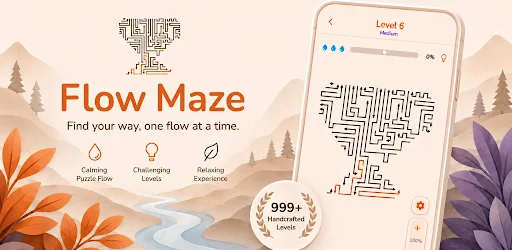
Find the open path. Unwind with a collection of calm maze puzzles.
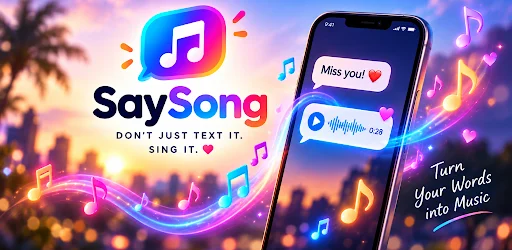

Turn your words into songs and send something unforgettable.
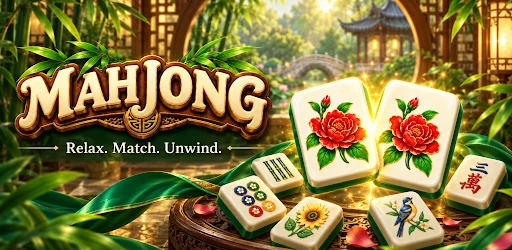
Take your time. Match beautiful tiles and settle into a calming puzzle.
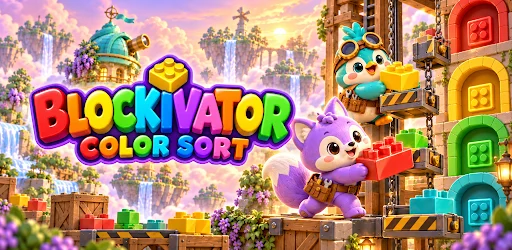
Sort colorful toy blocks, clear levels, and build a sunny floating world!
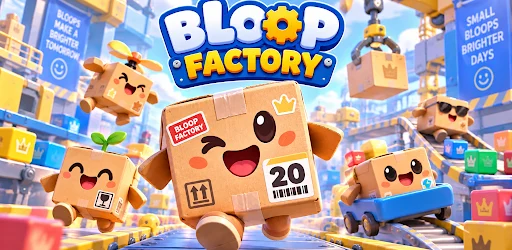
Launch happy bloops, clear colorful cubes, and keep the factory humming!
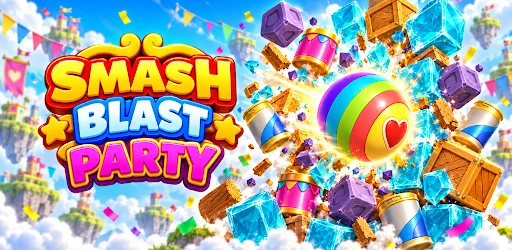
Smash stacks with physics! Aim, blast, and clear festive party puzzles.
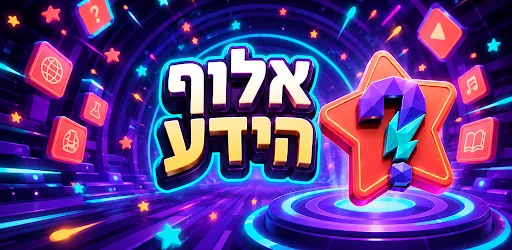
Knowledge Champion: Trivia in Hebrew with games at each stage and a leaderboard
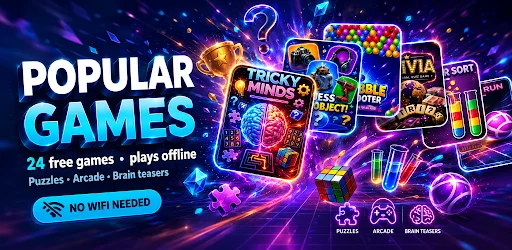
A whole pocket arcade. Discover puzzles, classics, and brain teasers, even offline.
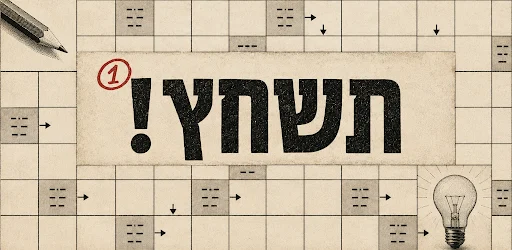
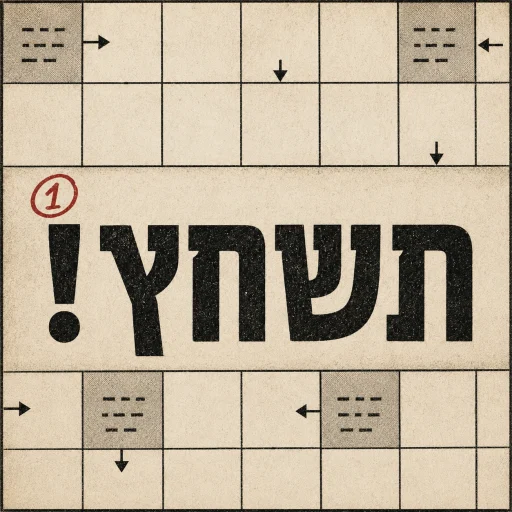
Classic crossword puzzle in Hebrew: clues inside the squares, arrows in every direction, and panels like in a newspaper.
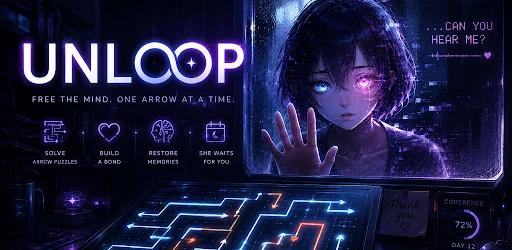
Untangle the paths and help Echo find her way through the maze.
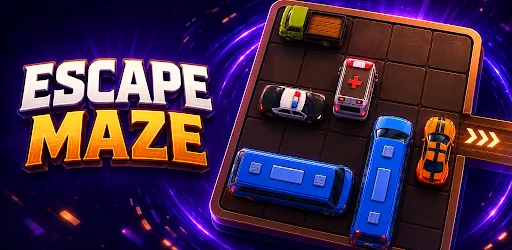
Slide the blocks, clear the way, and solve your next great escape.
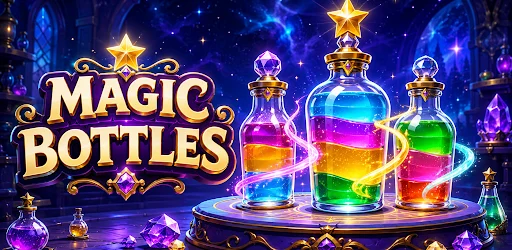
A little color. A clever challenge. Pour, sort, and find your flow.
Roll through neon mazes and leave a little color on every tile.
Five mini-games per level. Put your knowledge to the test and climb the ranks.
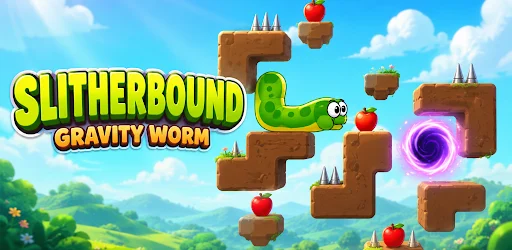
A clever gravity puzzle. Eat fruit, move stones, and find the portal.

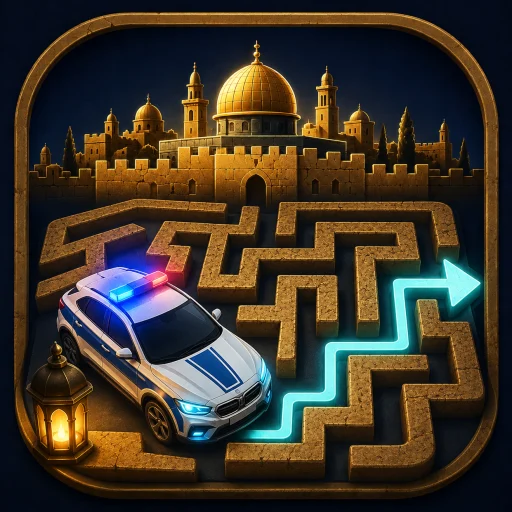
Slide cars & clear Jerusalem’s jammed streets. Free the emergency route!
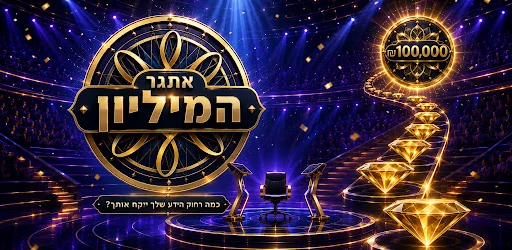
שאלה אחת. פרס על הסולם. חידון טריוויה בעברית באולפן הזהב
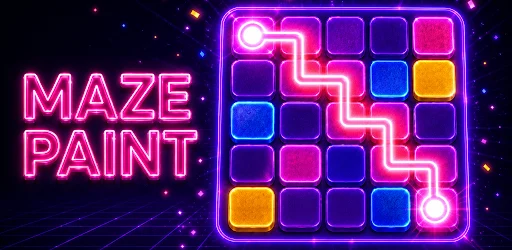
Swipe to roll. Paint every tile. Neon maze puzzles that get brilliantly tricky.
Follow the clues and fill the grid in this arrow crossword challenge.

Keep the ball rolling. Paint the track and master every twist and turn.
Watch short dramas, complete eligible watch quests, and work toward reviewed gift-card rewards.

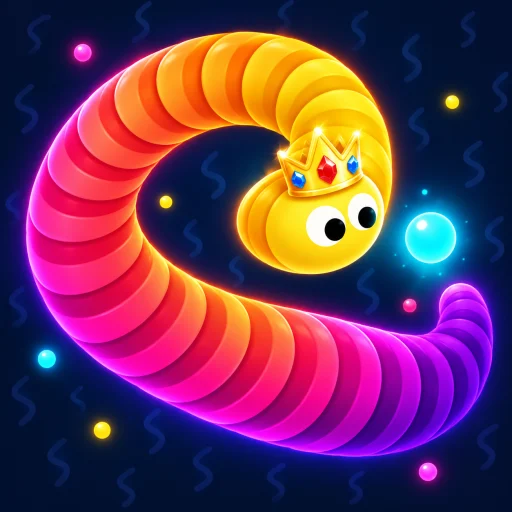
Hit neon balls, grow your snake, dodge rivals. Don't get stuck!
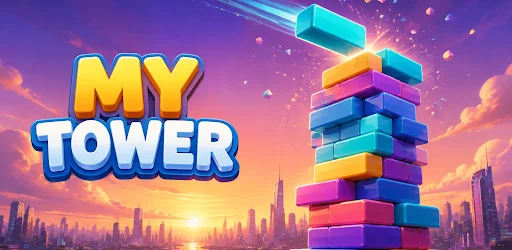
Find your rhythm. Stack perfectly, build combos, and take your tower higher.
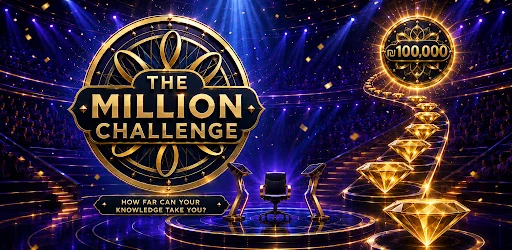
TV-style trivia for the USA—lifelines, timer & climb the ladder to $1,000,000!
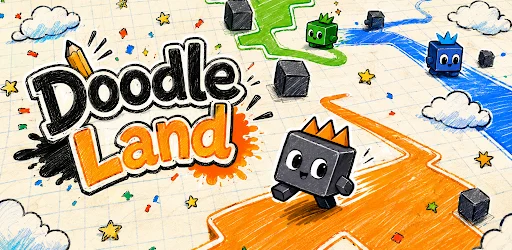
Draw loops, claim land, cut rivals — cute territory battles on a doodle map!
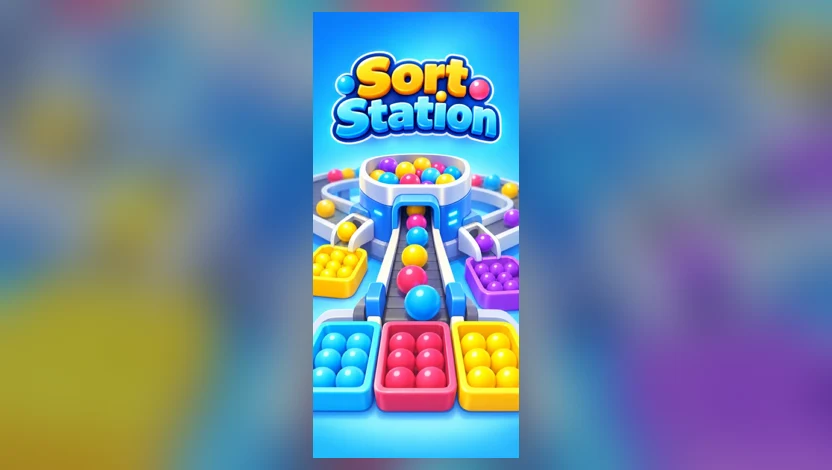
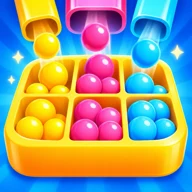
Glossy marbles, bright bins, and a conveyor that keeps you thinking. Find a little order in the colorful rush.
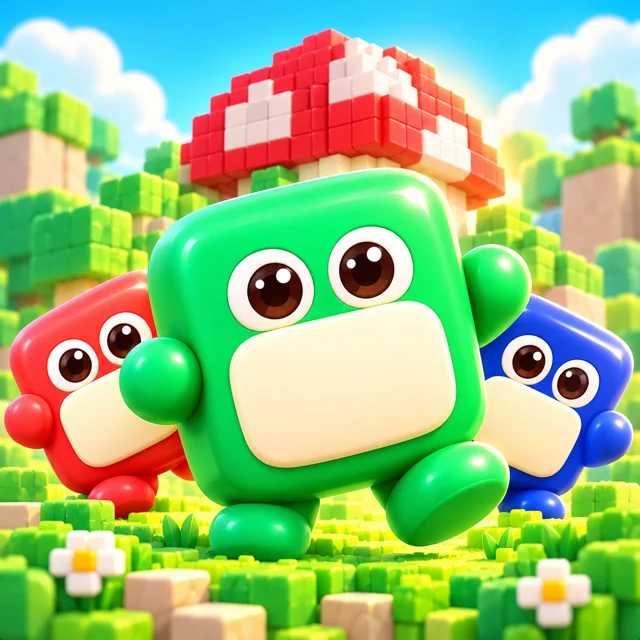
Meet a colorful cast of cube-shaped characters in a playful mushroom world.

A colorful railway adventure with a whole lot of forward momentum.
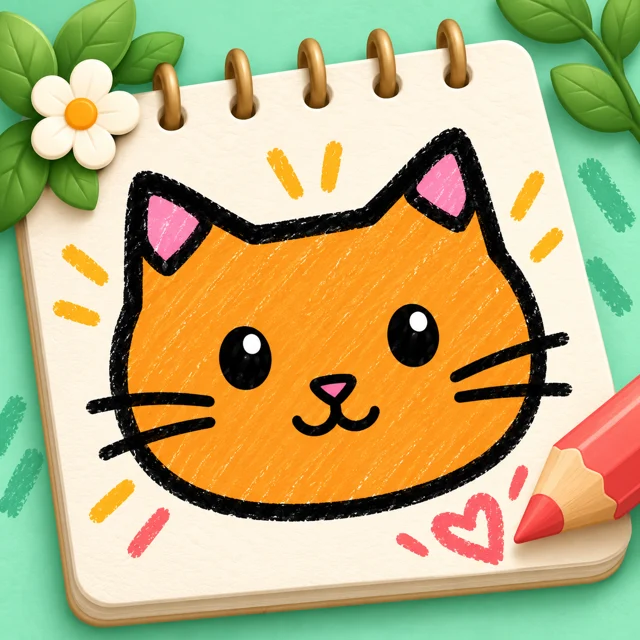
A cozy sketchbook world filled with color and character.
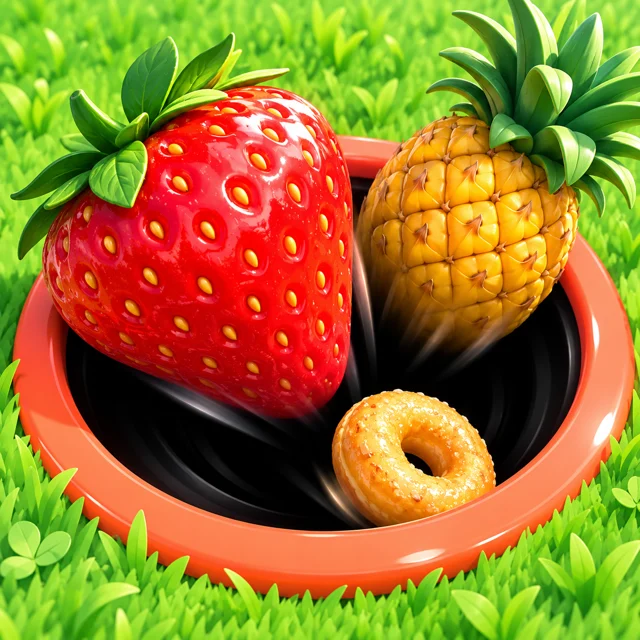
A sunny picnic world with a very hungry black hole.
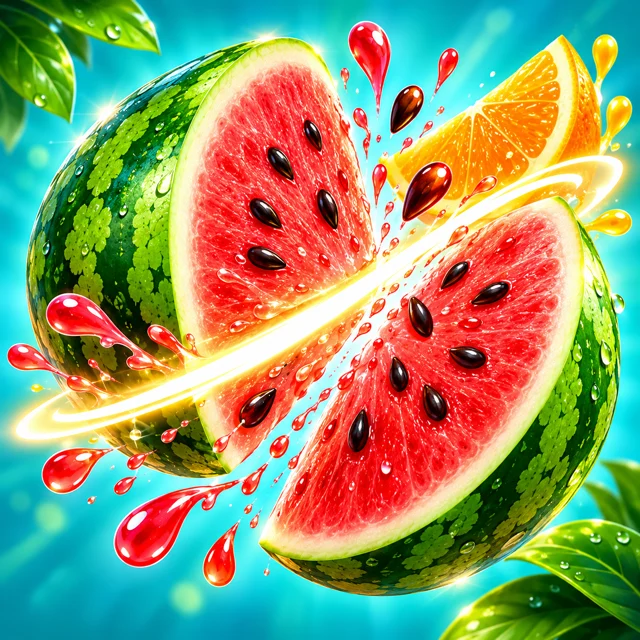
Bright tropical fruit and satisfyingly juicy slicing action.

A cozy toy-filled world for your next matching challenge.

A garden of colorful bottles and satisfying sorting puzzles.
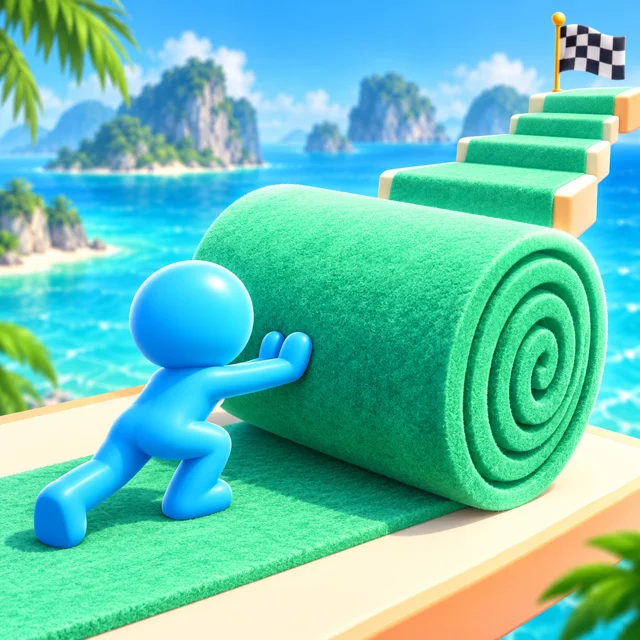
Roll into a colorful adventure across tropical paths.
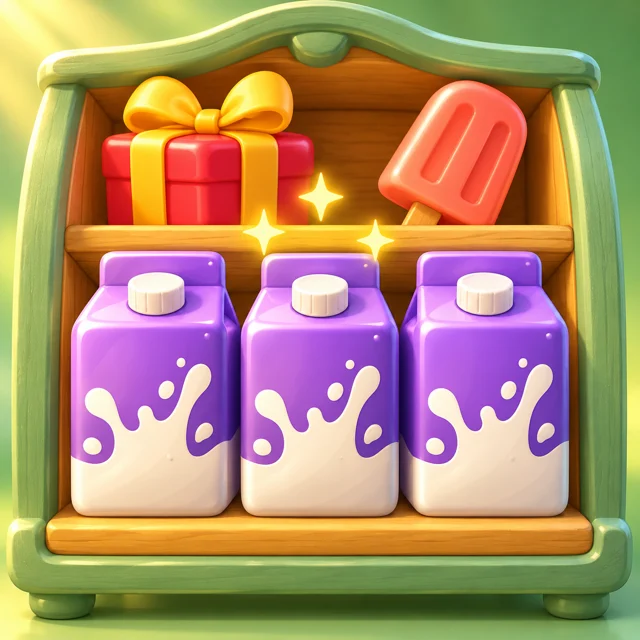
A cheerful shop full of satisfying shelf-sorting challenges.

Snowy mountains, bright blue halfpipes, and a playful downhill adventure.
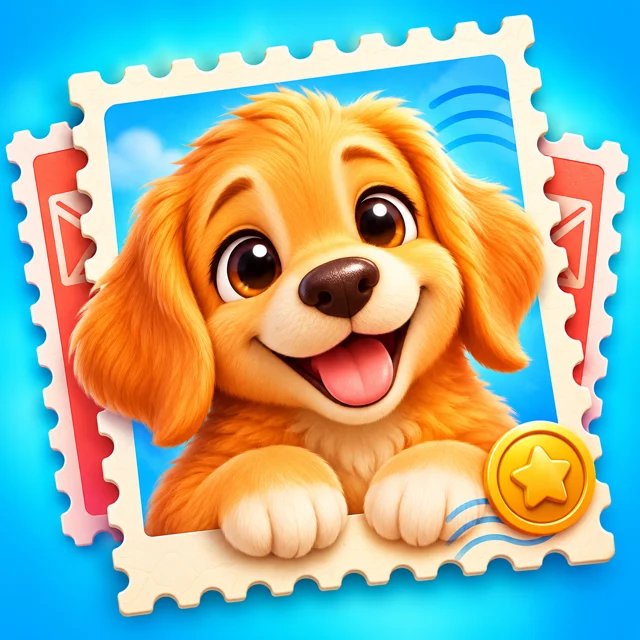
Discover a charming postal adventure, one colorful stamp at a time.
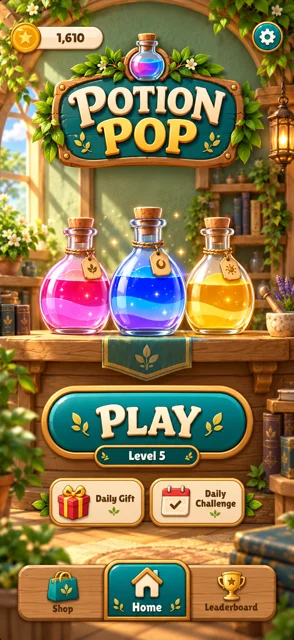
Explore a cozy apothecary full of colorful potion puzzles.
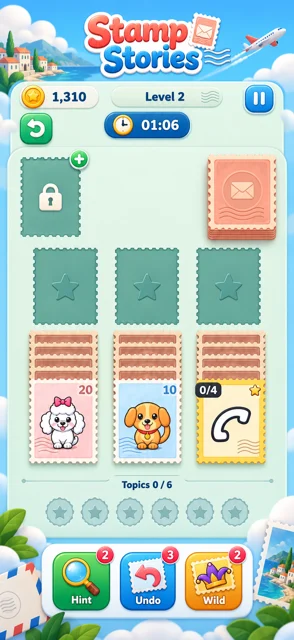
A playful postal world with a solitaire twist.
Try another title, category, or availability.
Pick a game that feels like you.
Follow eligible quests in the app.
Request a gift card when you qualify. Review applies.
A little interactive illustration of the idea. The full experience lives in the app.
 FROM THE WORLD OF GameBucks
Discover casual games, complete eligible quests, and build your balance toward reviewed gift-card rewards.
Get it on Google PlayPublished by Manna Games, this entertainment rewards app lets eligible users complete quests, earn virtual coins, and request supported gift-card redemptions. Minimum balances, eligibility, availability, and review apply. Rewards are not guaranteed.
Google Sign-In uses your name and email to authenticate your account, keep progress and balances connected, and support fraud prevention and redemption review. It does not grant access to Gmail, Drive, contacts, or photos.
Application purpose and Google data use ↗No. Only eligible activities count. Gift-card requests depend on thresholds, available providers, eligibility, and review. See the terms for details.
Use the Google Play link on this page to open the product listing. Available platforms and device compatibility are shown by the store.
This is a small website illustration of the experience. Download the app for the full game and its features.
Manna Games — a studio making games and apps for the little moments in your day. Explore the full family from the Our games link.
Email support@manna-games.com. Include the app name, your device, and what happened.